
Split a document
Split a Word document into several files.
Split at every level-1 heading, every page break, or into an equal number of parts.

File.docx
1 file
01-Guide-yoga
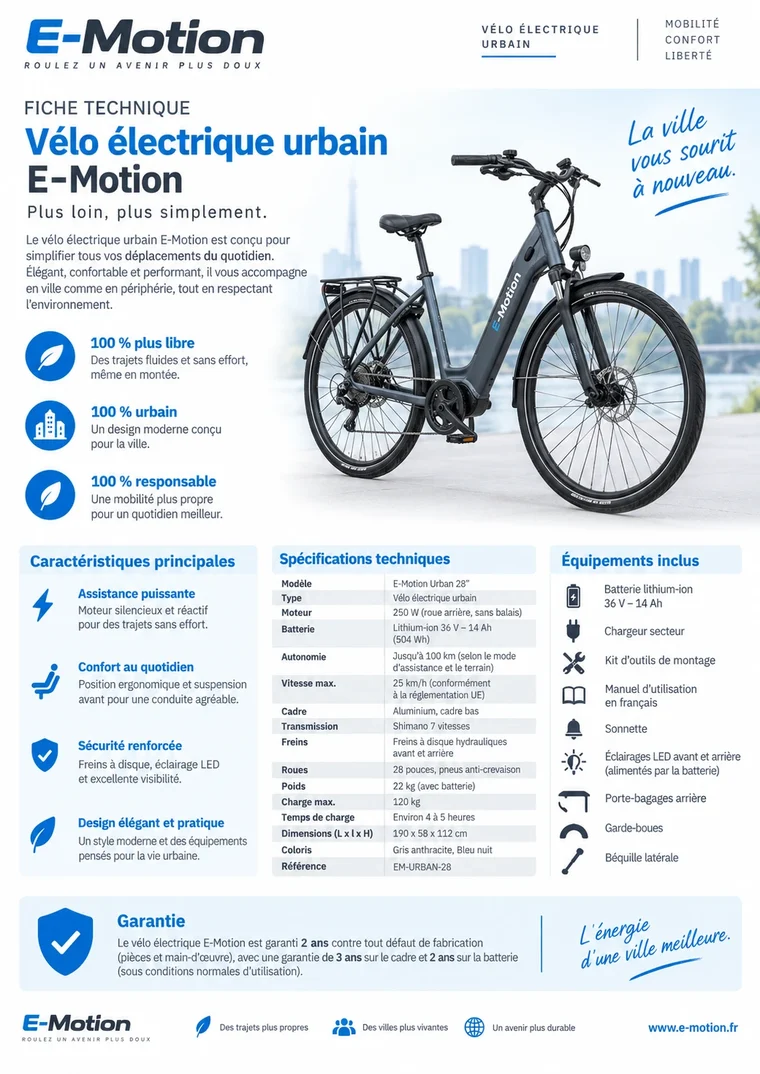
02-Fiche-velo
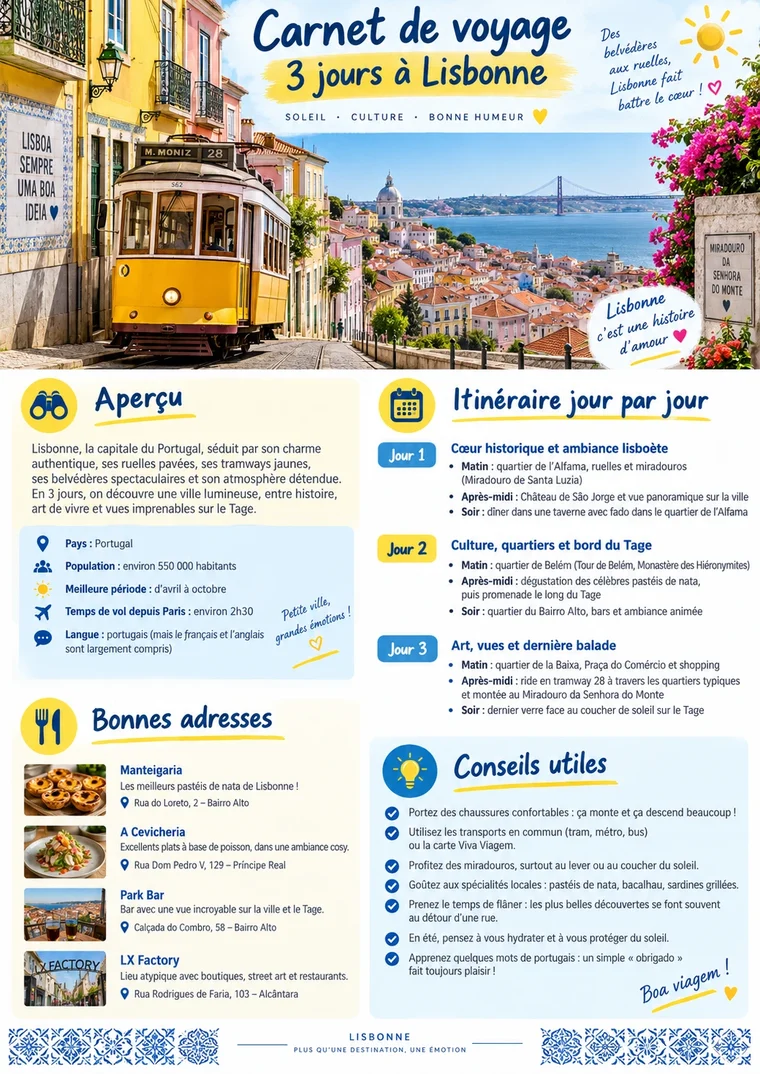
03-Carnet-Lisbonne
Quick and simpleA result in just a few clicks.
3 ways to splitHeadings, page breaks, parts.
Clear namesThe heading names each file.
Local processingYour documents stay on your device.
Split a document in a few seconds
Three simple steps, no install needed.1ImportAdd your Word document from your device.
2Choose the splitBy heading, page break, or equal parts.
3DownloadGet the result in one click.
Everything you need with "Split a document"
Heading 1
At every heading 1
One file per chapter.
Page break
At every page break
One file per section.
2 to 50
Equal parts
Two parts or more.
✓
Formatting kept
Each part keeps its styles.
.zip
Result as ZIP
All files in one archive.
01-Heading
Automatic naming
01, 02, 03 and the heading.
Built for your documents
See all toolsGuide-monstera-01.docx
Chapters
One file per chapter
Rapport-expertise-01.docx
Collections
Separate merged documents
Renovation-cuisine-01.docx
Mailings
Split a large document
Guide-yoga-01.docx
Templates
Split a standard file
Your documents belong to youYour documents stay on your device: nothing is sent, everything stays private.
Simple. Private. Reliable.Use "Split a document" with complete peace of mind.
SplitFrequently asked questions
Are my documents sent to a server?
No. "Split a document" processes your files directly in your browser: they stay on your device.
Is there a size limit?
The limit mostly depends on your device’s memory. Everyday documents (up to several tens of MB) work without any issue.
Do I need to create an account?
No. The tool is usable right away. A free account is only used to find your history again.
WHAT MAKES THE DIFFERENCE
100 %
In the browser
36
Word tools
0
File sent
0 €
No sign-up