
Add an image
Insert a logo or image into your documents.
A logo, a stamp, an image at the start or end of your document, at the size you want.
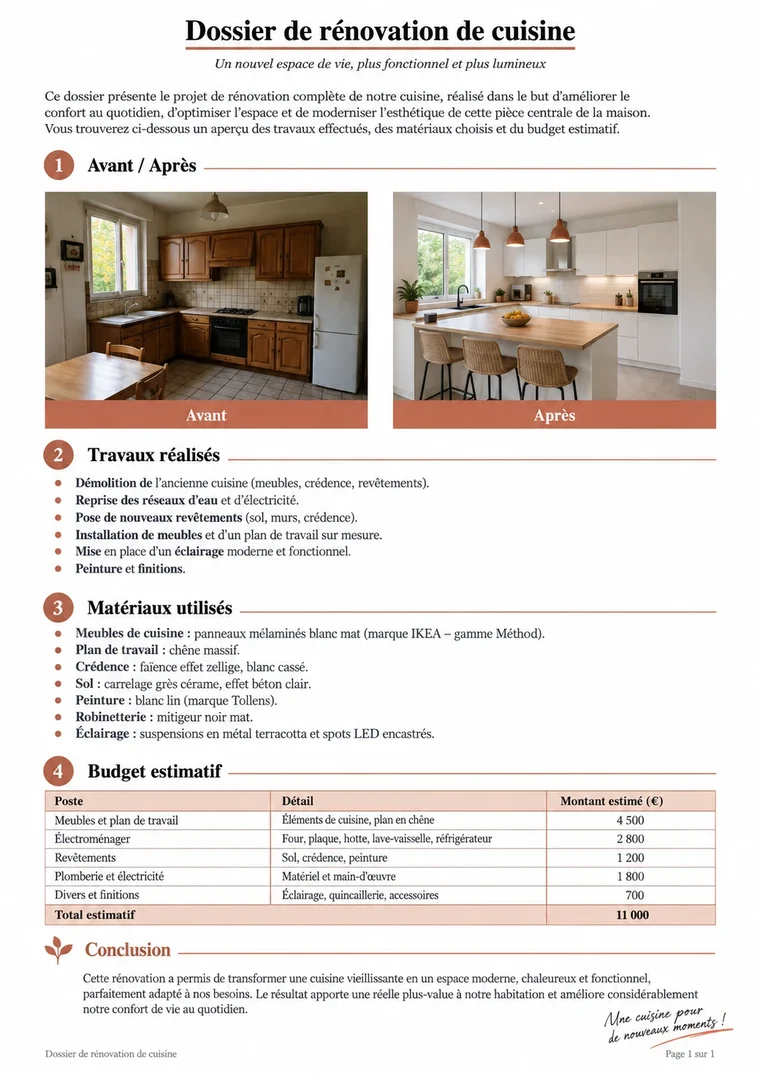
Before
After
logo inserted at the top
Quick and simpleA result in just a few clicks.
JPG, PNG…Your common image formats.
Adjustable sizeWidth in centimeters.
Local processingYour documents stay on your device.
Add an image in a few seconds
Three simple steps, no install needed.1ImportAdd your Word documents from your device.
2Choose the imageImage, position, width, and alignment.
3DownloadGet your files, as a ZIP if needed.
Everything you need with "Add an image"
logo.png
Your image
Logo, stamp, photo.
Start
Position
At the start or end.
4 cm
Width
Adjustable in centimeters.
Right
Alignment
Left, center, or right.
✓
Proportions kept
The image isn’t distorted.
× 20
Several documents
The same logo across a whole batch.
Built for your documents
See all toolsRapport-expertise.docx
Letterhead
Add the company logo
Renovation-cuisine.docx
Stamps
“Paid”, “Received”
Guide-monstera.docx
Diagrams
Illustrate a course
Guide-yoga.docx
Applications
Add a photo
Your documents belong to youYour documents stay on your device: nothing is sent, everything stays private.
Simple. Private. Reliable.Use "Add an image" with complete peace of mind.
Insert the imageFrequently asked questions
Are my documents sent to a server?
No. "Add an image" processes your files directly in your browser: they stay on your device.
Is there a size limit?
The limit mostly depends on your device’s memory. Everyday documents (up to several tens of MB) work without any issue.
Do I need to create an account?
No. The tool is usable right away. A free account is only used to find your history again.
WHAT MAKES THE DIFFERENCE
100 %
In the browser
36
Word tools
0
File sent
0 €
No sign-up